
APPLE WATCH APPLICATION
ux & interaction design
jo iaciofano
FUN WHEEL CHALLENGE Apple Watch App
The following is a hypothetical design project focused on using SmartWatch technology. This is an Apple Watch application that enables the user to hand off from their mobile device to their Apple Watch for the simplest solution for game play.
This project is not affiliated with Disney.
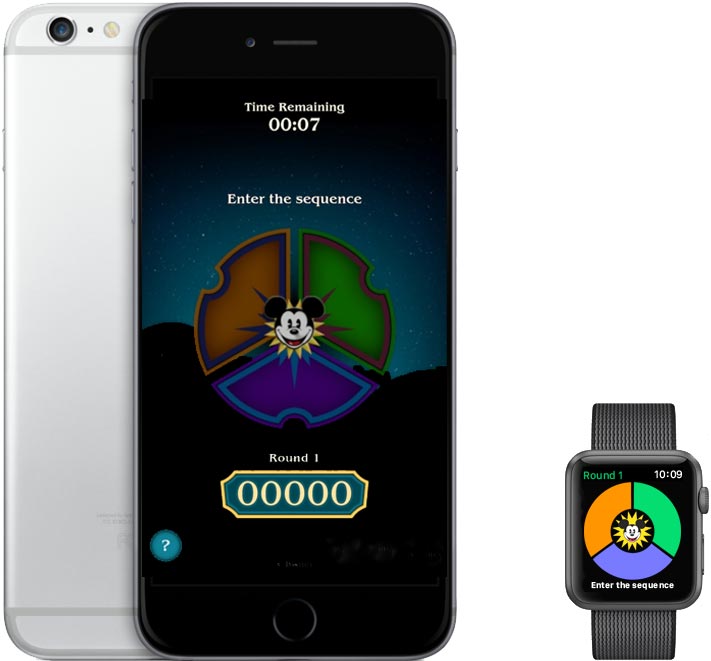
Current Application Process
Quoted from  Blog:
Blog:
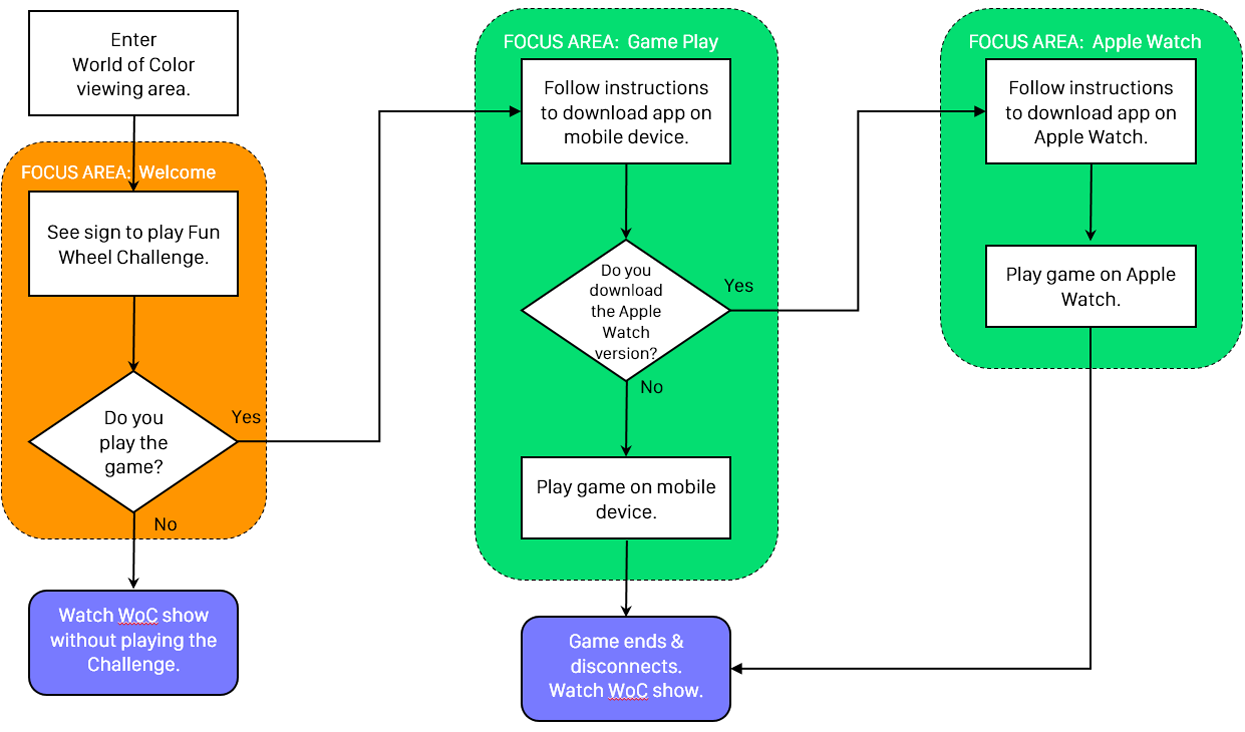
“Once you’re in the “ World of Color” viewing area, just join the PierGames Wi-Fi network from your mobile device, and the game plays within your device’s web browser. This special Wi-Fi network is available 45 minutes before the start of the first “World of Color” show each evening. No apps, no downloads.”
Goal
The goal of this project is to simplify the process further by adding Apple Watch technology.
Problem Statement
In order to use Apple Watch technology, the Fun Wheel Challenge must be a mobile device application.
Solution & Hypothesis
For this project, it is assumed that the Fun Wheel Challenge is a mobile device application.
User Experience Sketches
-
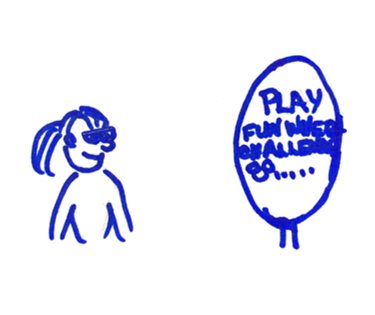
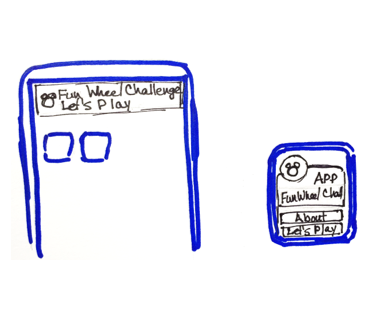
1) Enter viewing area & see “PLAY” sign.
-
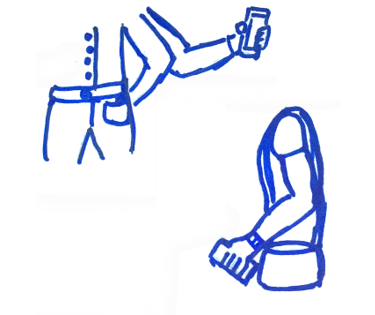
2) Retrieve mobile device.
-
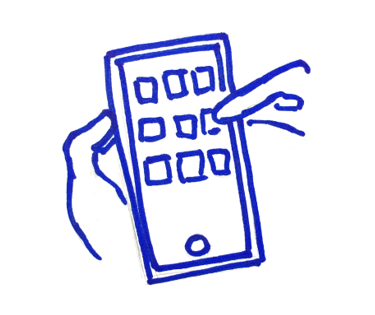
3) Download & launch the application.
-
4) Push notification from app to start game.
-
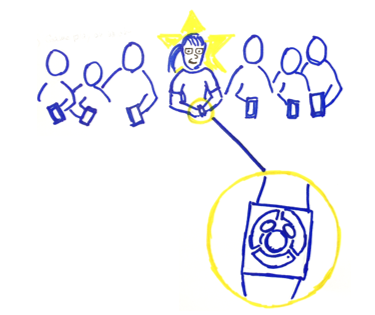
5) Play the challenge on Apple Watch.
-
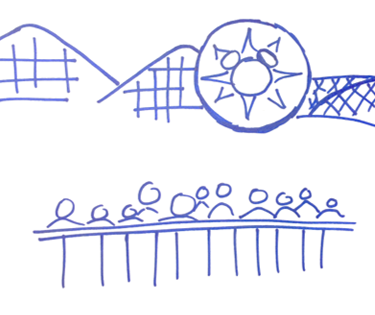
6) Watch the World of Color show.
Task Flow
System Flow
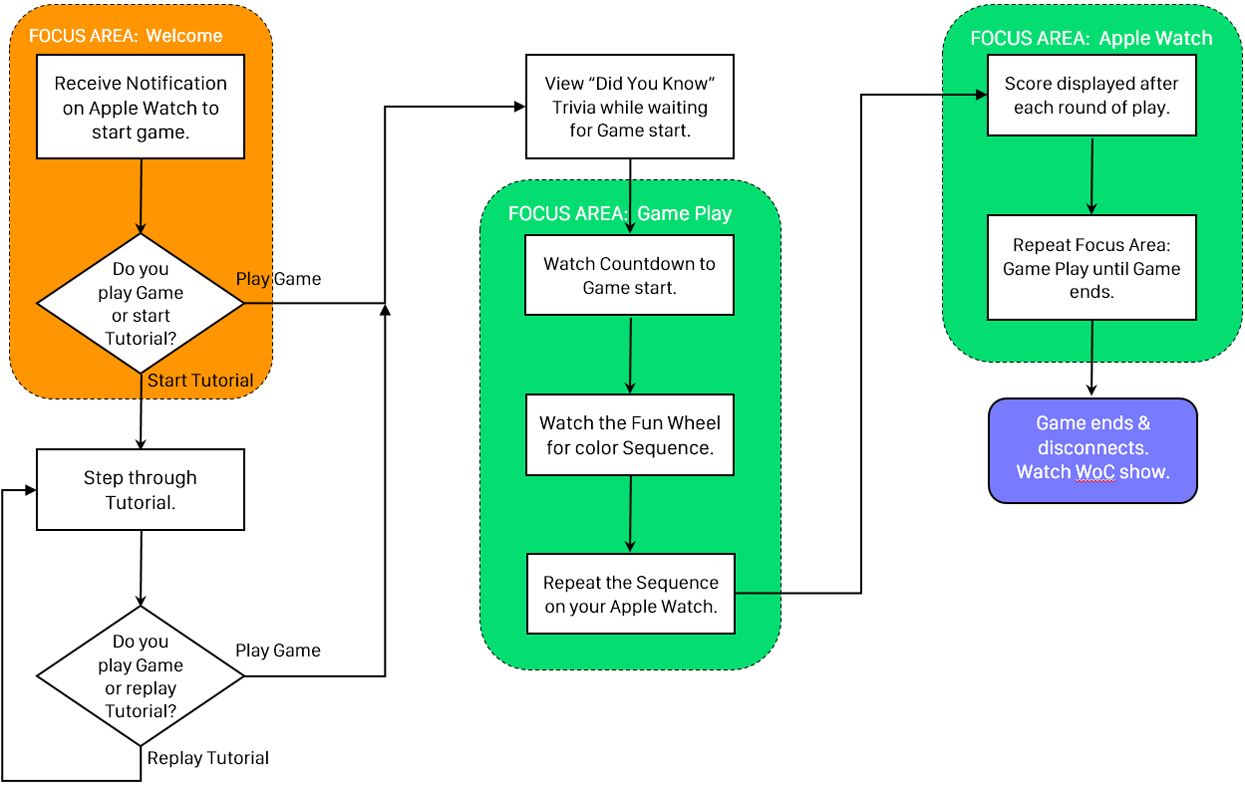
Wireframe Design Points
TO NOTE:
Apple Watch development has very strict watchOS Human Interface Guidelines, therefore a developer must comply with these principles for a successful, functioning product.
Guidelines can be found: https://developer.apple.com/watch/human-interface-guidelines/.
Assumptions
For the Wireframe Designs, assume the user downloads the application on iPhone & Apple Watch.
Design Considerations
Following watchOS Human Interface Guidelines, size, placement & layout are based on those Guidelines.
Wireframe Designs
-
Search for application on iPhone.
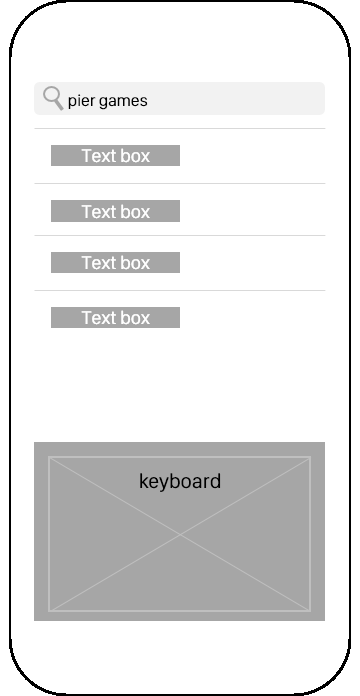
-
Download application on iPhone.
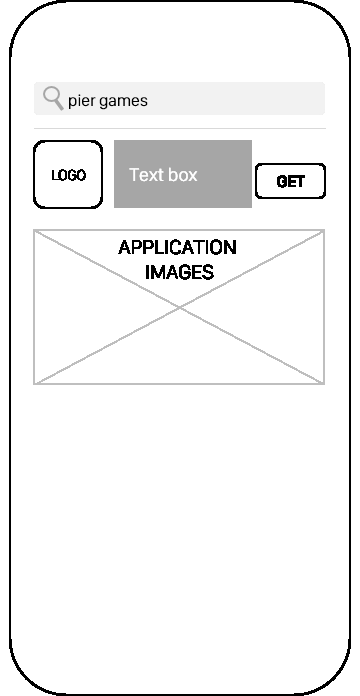
-
Receive Notification to start the Application/Game.
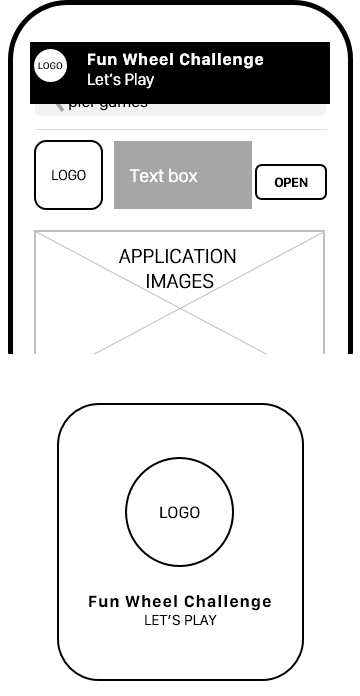
-
Apple Watch Notification Short & Long Looks
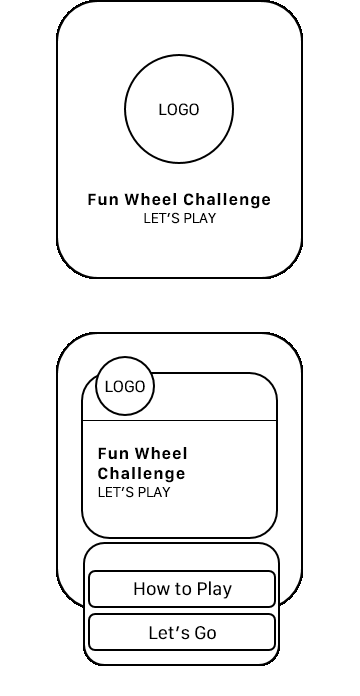
-
Tutorial Screens
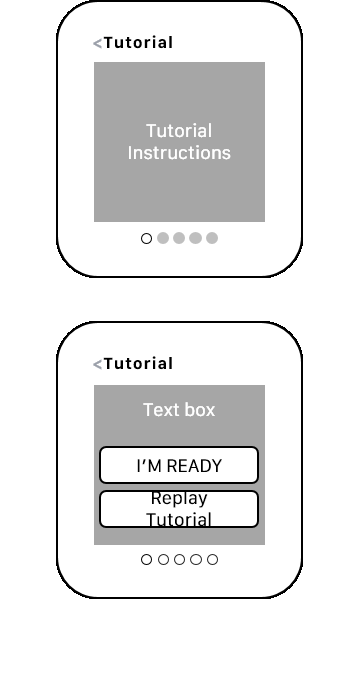
-
Game Play Steps
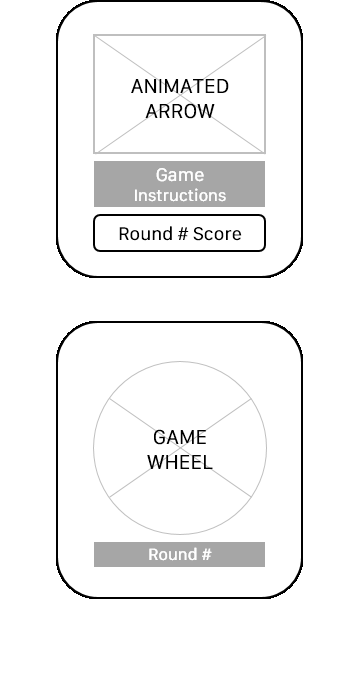
-
Game Play Steps
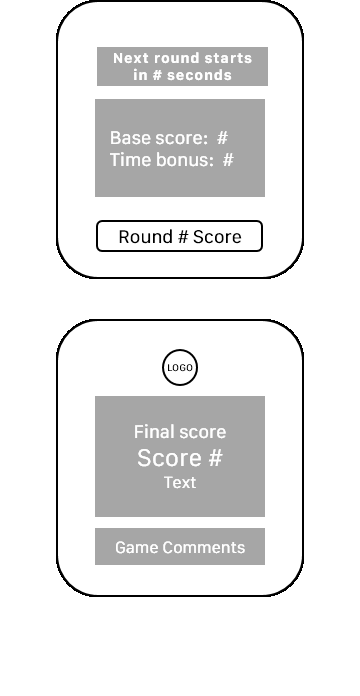
-
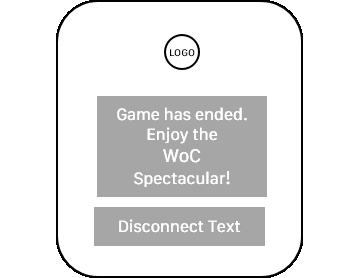
Game Play Disconnect
-
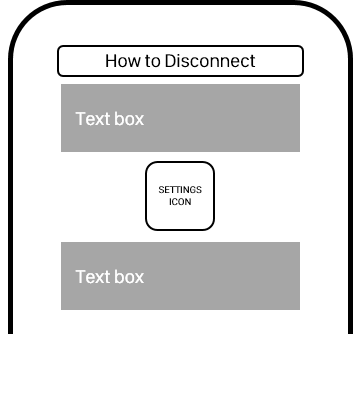
Handoff to iPhone
Live Design Considerations
Following watchOS Human Interface Guidelines, font, color & display are based on those Guidelines. Careful attention is made to space guidelines to ensure a successful touch & viewing experience. For these live designs, 38MM bezel is used.
-
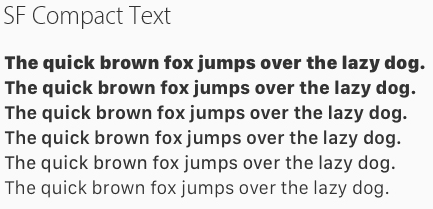
The SF Compact font is used on the Apple Watch. Example below.
-
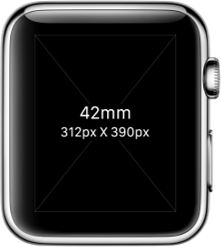
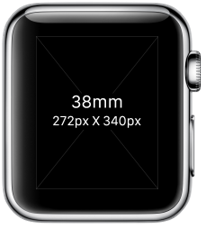
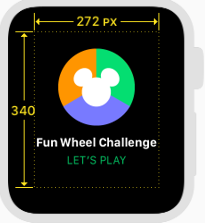
Sizes are 38mm or 42mm. Templates below.
-
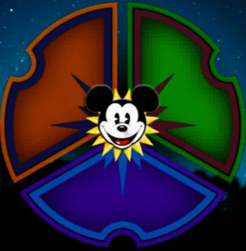
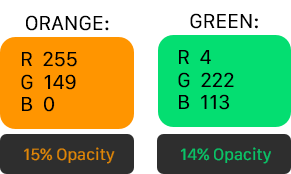
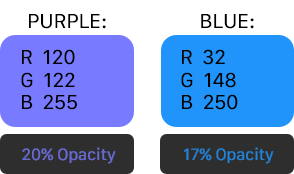
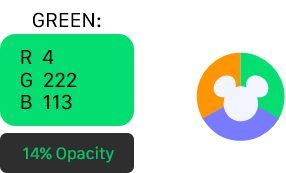
Colors were selected from the Guidelines that best match the game colors for best visibility.
Live Designs
-
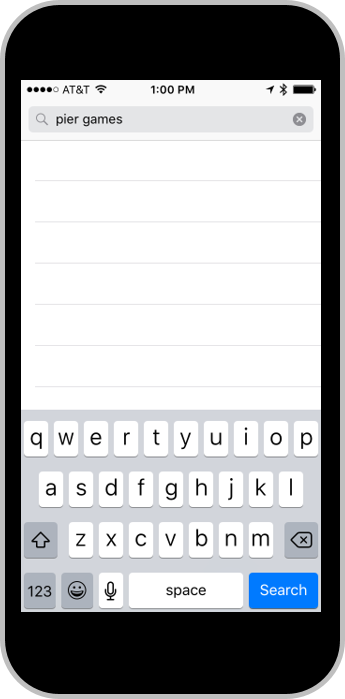
Search for application on iPhone.
-
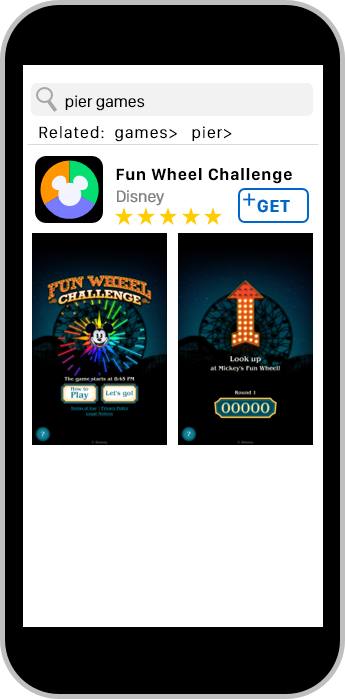
Download application on iPhone.
-
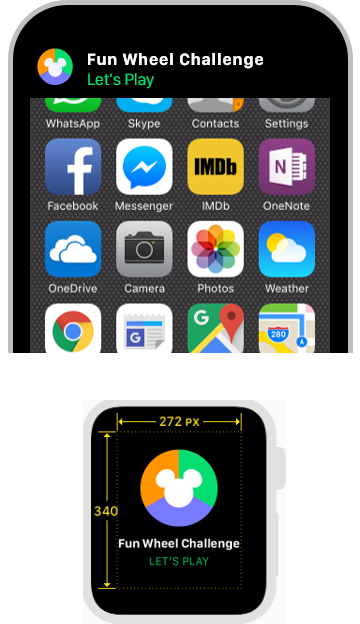
Receive Notification to start the game.
-
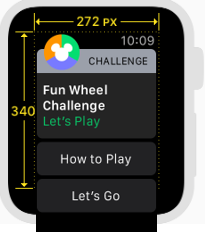
Apple Watch Notification Short & Long Looks
-
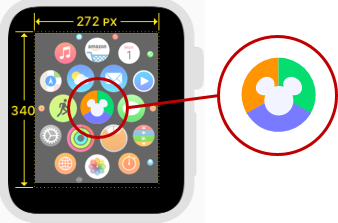
Home Screen Icon
-
Global Tint & Icon
Tutorial Screens - Step by Step
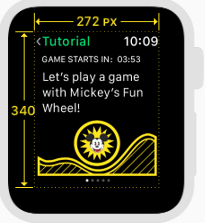
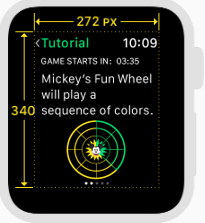
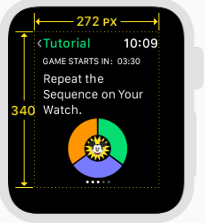
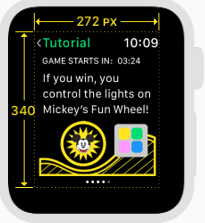
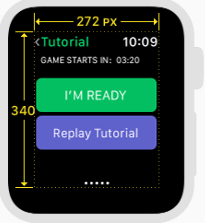
“Did You Know?” This is a countdown to the start of the game with fun facts & game tips.
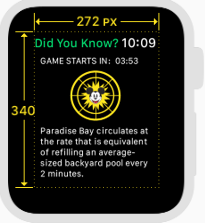
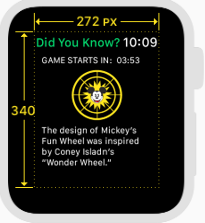
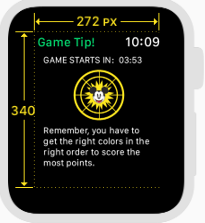
The Fun Wheel is static in this design. On the phone, the Fun Wheel changes color by segment counting down the time until the start of the game.
Game Play Steps – Animated Arrow fills 1 section at a time.
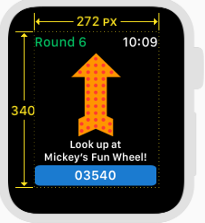
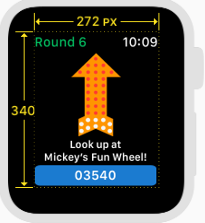
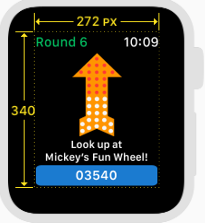
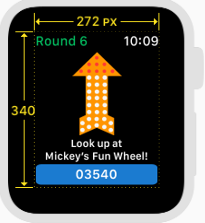
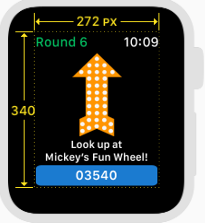
This may need to change to 3 rows of animation instead of 4 due to the small size of the Apple Watch screen.
Game Play Steps
-
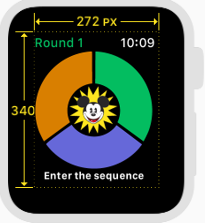
Fun Wheel Colors as they appear at game start.
-
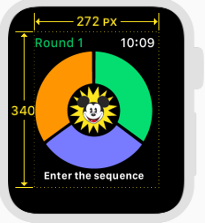
Fun Wheel Colors as they appear when tapped.
-
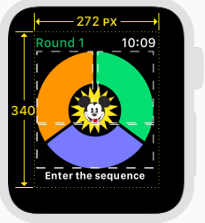
White outline shows touch areas of Fun Wheel.
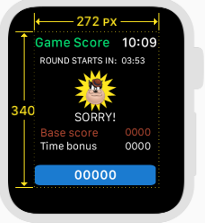
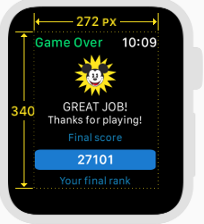
Game Play Steps - Score Displays
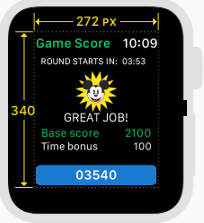
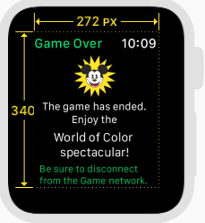
Game Play Steps Disconnect
-
-
-
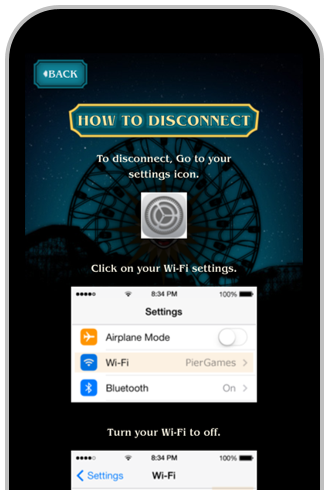
Handoff to iPhone